Vendor Onboarding
100% Money Back Guarantee
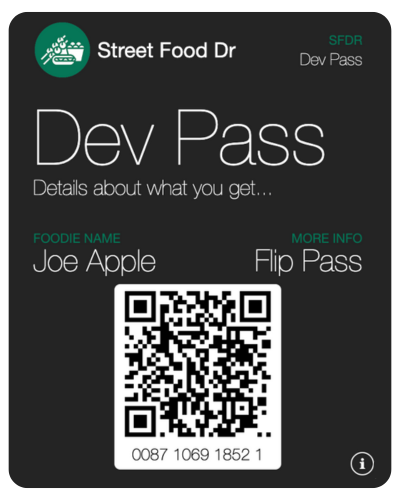
Scan a Wallet Pass
Have someone near you use their smartphone or grab a second device if you have one available.
- Scan the Demo Pass, open web page
- Enter 2424 for PIN when prompted and 'Redeem'
Why a Demo First? Its how you get paid.
Most smartphone cameras today automatically pick up a QR Code. The Pass will open in a browser for verification when you scan the code.
We want to keep this simple, sign up so we can get started!
About Wallet
Passes work just like cash at the counter. Passes are stored in the Street Food Dr Web App and can be added to Mobile Wallet.
Simply have Wallet Passes scanned to validate and or redeem.
Mobile Wallet is an Apple® product and works on Android with a Wallet Passes app.
Wallet is a standard IOS App. 'Add' at the top right of your screen when viewing

Get a Pass App first or simply view from any browser. We recommend Google Wallet